
The pick collection
Choose a pick to take a closer lookSample artwork shown. Yours starts with your own idea.
Compare shape, material and thickness
Standard Celluloid, Vintage Celluloid and Delrin share the 351 outline. Jazz XL and Large Triangle are different shapes. Start with the shape and material; choose colour and printing separately.
| Pick | Shape | Material | Gauges | Next step |
|---|---|---|---|---|
| Standard 351 Celluloid | 351 | Smooth Celluloid | 0.46 / 0.71 / 0.81 / 0.96 / 1.14 / 1.35 mm | Choose |
| Vintage 351 Celluloid | 351 | Vintage Celluloid | 0.46 / 0.71 / 0.81 / 0.96 / 1.14 / 1.35 mm | Choose |
| 351 Delrin | 351 | Matte Delrin · acetal polymer | 0.65 / 0.80 / 1.00 / 1.14 mm | Choose |
| Jazz XL | Jazz XL | Matte Delrinex · acetal polymer | 0.88 / 1.14 / 1.50 mm | Choose |
| Large Triangle | Large Triangle | Smooth Celluloid | 0.71 / 0.96 / 1.14 / 1.35 mm | Choose |
Gauge means thickness, measured in millimetres (mm). Check the available gauges in your chosen configuration.
Pick colour is the material colour. Single Colour, Full Colour and other printing methods describe how your artwork is added.
Browse more pick optionsThe familiar 351 outline in Celluloid. Shown here in Black.
- Material
- Smooth Celluloid
- Gauges
- 0.46 / 0.71 / 0.81 / 0.96 / 1.14 / 1.35 mm
- Colours
- Black or White
Choose your printing method and sides next. Compatible options stay with this shape.
$19.00 CADfor 10 picks per pack
Starting price: Single Colour, front only. Other methods and sides are priced in your configuration.
Customize this pickProduction timing depends on your printing method. Review the current details before ordering. Check Rush eligibility on your selected configuration.
Browse all pick shapesThe familiar 351 outline in Delrin. Choose your thickness and colour when you customize.
- Material
- Matte Delrin · acetal polymer
- Gauges
- 0.65 / 0.80 / 1.00 / 1.14 mm
- Colours
- Nine pick colours; choose in your configuration
Choose your printing method and sides next. Compatible options stay with this shape.
$19.00 CADfor 10 picks per pack
Starting price: Single Colour, front only. Other methods and sides are priced in your configuration.
Customize this pickProduction timing depends on your printing method. Review the current details before ordering. Check Rush eligibility on your selected configuration.
Browse all pick shapesThe same 351 outline in patterned Celluloid. Shown here in Tortoiseshell.
- Material
- Vintage Celluloid
- Gauges
- 0.46 / 0.71 / 0.81 / 0.96 / 1.14 / 1.35 mm
- Colours
- Ten colours and patterns; choose in your configuration
Choose your printing method and sides next. Compatible options stay with this shape.
$19.00 CADfor 10 picks per pack
Starting price: Single Colour, front only. Other methods and sides are priced in your configuration.
Customize this pickProduction timing depends on your printing method. Review the current details before ordering. Check Rush eligibility on your selected configuration.
Browse all pick shapesA broad triangular Celluloid outline with three tips. Choose your thickness and printing method next.
- Material
- Smooth Celluloid
- Gauges
- 0.71 / 0.96 / 1.14 / 1.35 mm
- Colours
- Black or White
Choose your printing method and sides next. Compatible options stay with this shape.
$19.00 CADfor 10 picks per pack
Starting price: Single Colour, front only. Other methods and sides are priced in your configuration.
Customize this pickProduction timing depends on your printing method. Review the current details before ordering. Rush is not available for this shape.
Browse all pick shapesThe Jazz XL outline in Delrinex. Choose your thickness and compatible printing method next.
- Material
- Matte Delrinex · acetal polymer
- Gauges
- 0.88 / 1.14 / 1.50 mm
- Colours
- Black or White
Choose your printing method and sides next. Compatible options stay with this shape.
$19.00 CADfor 10 picks per pack
Starting price: Single Colour, front only. Other methods and sides are priced in your configuration.
Customize this pickProduction timing depends on your printing method. Review the current details before ordering. Rush is not available for this shape.
Browse all pick shapes Pause motionResume motionFROM YOUR IDEA TO YOUR PICK
Your artwork. Your way.


Specialty picks
TRU GRIP
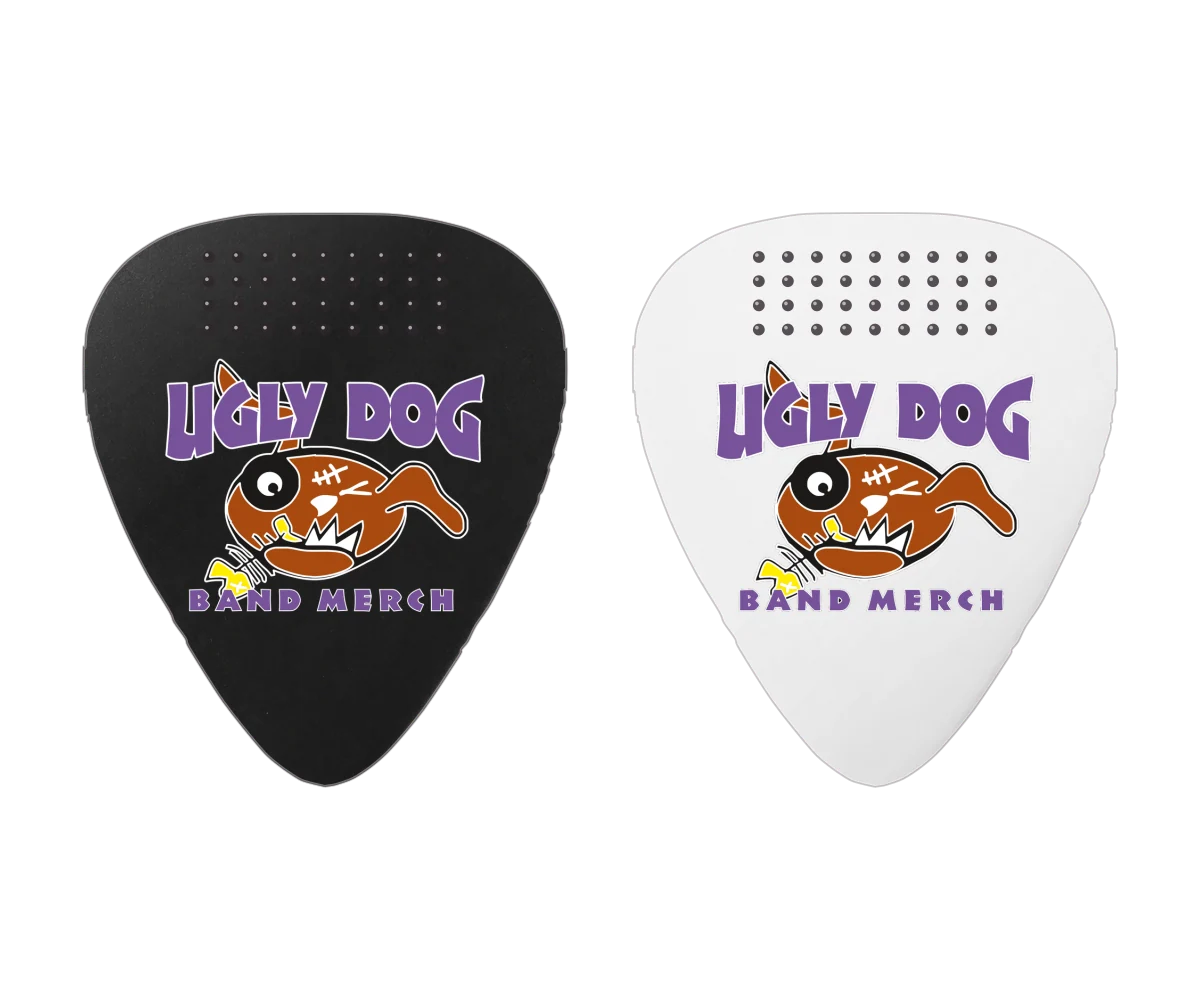
Transparent grip on the top half of both sides.
Explore TRU GRIP
Glow in the Dark
Front-only printing on glow Celluloid.
Explore Glow in the Dark
Not sure if your artwork is ready?
Upload what you have and tell us what you’d like! We can help clean up your artwork and get it ready for your picks. You don’t need to figure out every technical detail yourself.
Can I send a JPEG?
Yes! Send the clearest original you have. If you’re unsure about its quality, we can take a look and help you with the next step.
Can you help place my logo and wording?
Of course. Upload your logo and put your exact wording and placement ideas in the order notes. You can also use Pick Placement to show us how you want it arranged.
Can I choose a specific font?
Yes! Add the font name or a link to your order notes, along with your exact wording. We’ll review it with your artwork and let you know if we need anything else.
Can you print white artwork on black picks?
Yes! White artwork on black picks creates a bold, high-contrast look. Select black picks and white printing from the available Single Colour options.
Will my QR code work?
We check QR codes to make sure they scan before your picks go out. Include your destination link with your artwork or order notes, and we’ll help with sizing, contrast and placement.
Do I need another proof after using Pick Placement?
No. Pick Placement records your chosen layout, so a separate proof isn’t required. We still review your artwork and instructions before production.
The special 10-pack. Prints as submitted, with no separate proof or revisions. Read the 10-pack terms
Find your shape. Make it yours.
Look closer. Make it yours.
Compare shape, material and printing. Start an order whenever you’re ready.
Exploring now
351 Delrin
Delrin · 351 shape
The familiar 351 shape in matte Delrin. Sample shown on red.
Drag or use arrow keys to reveal Full Colour from left to right. Home shows Single Colour; End shows Full Colour. Sample artwork only, not your placement preview or a production proof.
Sample artwork, not your uploaded layout or a production proof. Displayed sizes are not a physical scale guide.

Compare printing or open the interactive showroom.
Explore the picks
Choose a pick to compare Single Colour and Full Colour.
 351 DelrinDelrin · 351 shapeCompare printing styles
The familiar 351 shape in matte Delrin. Sample shown on red.

Drag or use arrow keys to reveal Full Colour from left to right. Home shows Single Colour; End shows Full Colour. Sample artwork only, not your placement preview or a production proof.
 Standard 351 CelluloidCelluloid · 351 shapeCompare printing styles
The familiar 351 shape in smoother Celluloid. Sample shown on black.

Drag or use arrow keys to reveal Full Colour from left to right. Home shows Single Colour; End shows Full Colour. Sample artwork only, not your placement preview or a production proof.
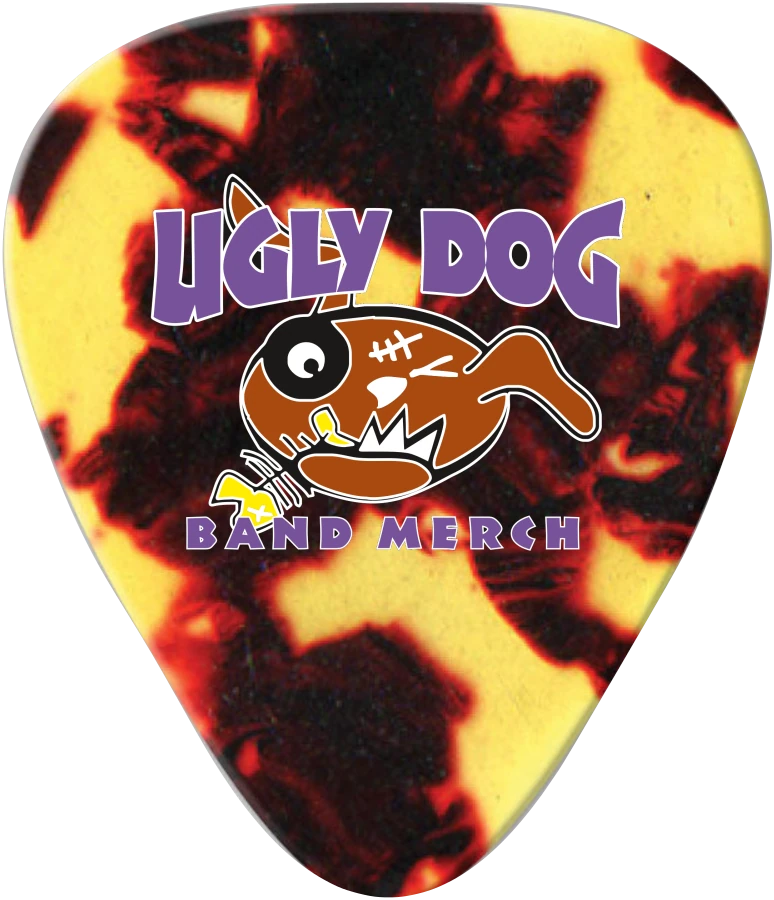 Vintage CelluloidCelluloid · 351 shapeCompare printing styles
Patterned Celluloid in the standard 351 shape. Sample shown on tortoiseshell.
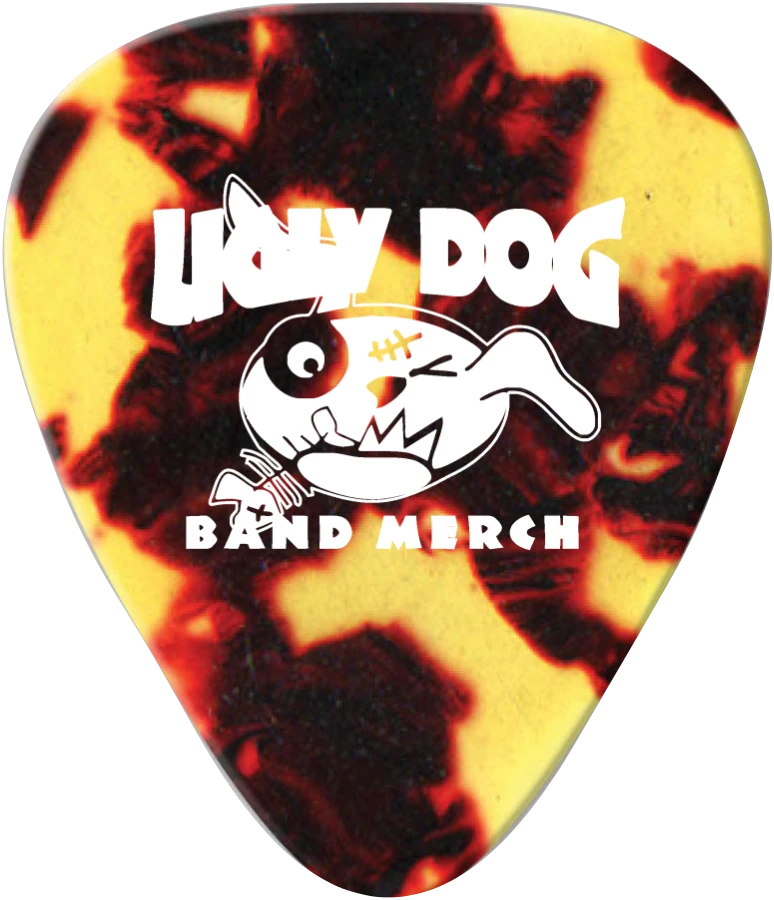
Drag or use arrow keys to reveal Full Colour from left to right. Home shows Single Colour; End shows Full Colour. Sample artwork only, not your placement preview or a production proof.
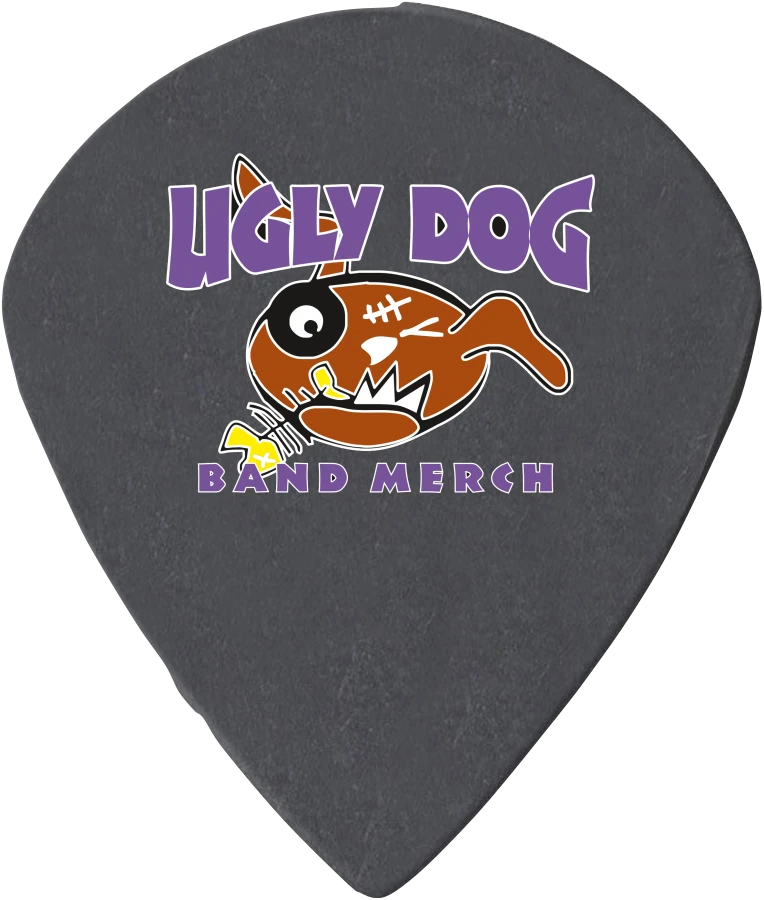 Jazz XL DelrinexDelrinex · Jazz XL shapeCompare printing styles
A pointed Jazz XL shape in matte Delrinex.
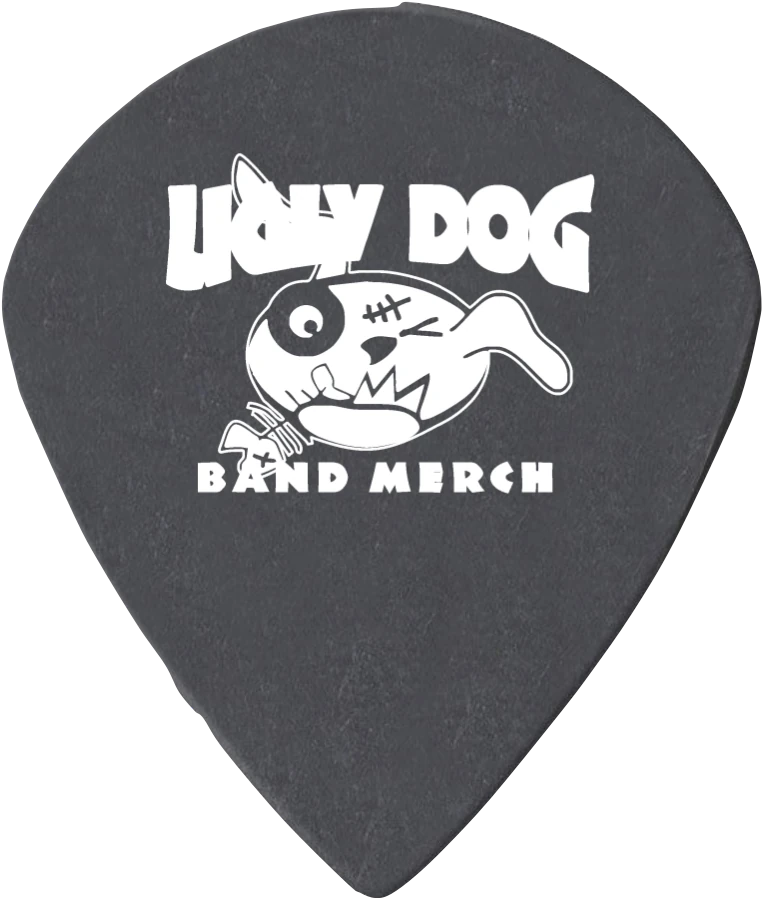
Drag or use arrow keys to reveal Full Colour from left to right. Home shows Single Colour; End shows Full Colour. Sample artwork only, not your placement preview or a production proof.
 Large Triangle CelluloidCelluloid · Large Triangle shapeCompare printing styles
A larger Celluloid triangle with three playing tips.


Drag or use arrow keys to reveal Full Colour from left to right. Home shows Single Colour; End shows Full Colour. Sample artwork only, not your placement preview or a production proof.
Sample artwork, not your uploaded layout or a production proof. Displayed sizes are not a physical scale guide.